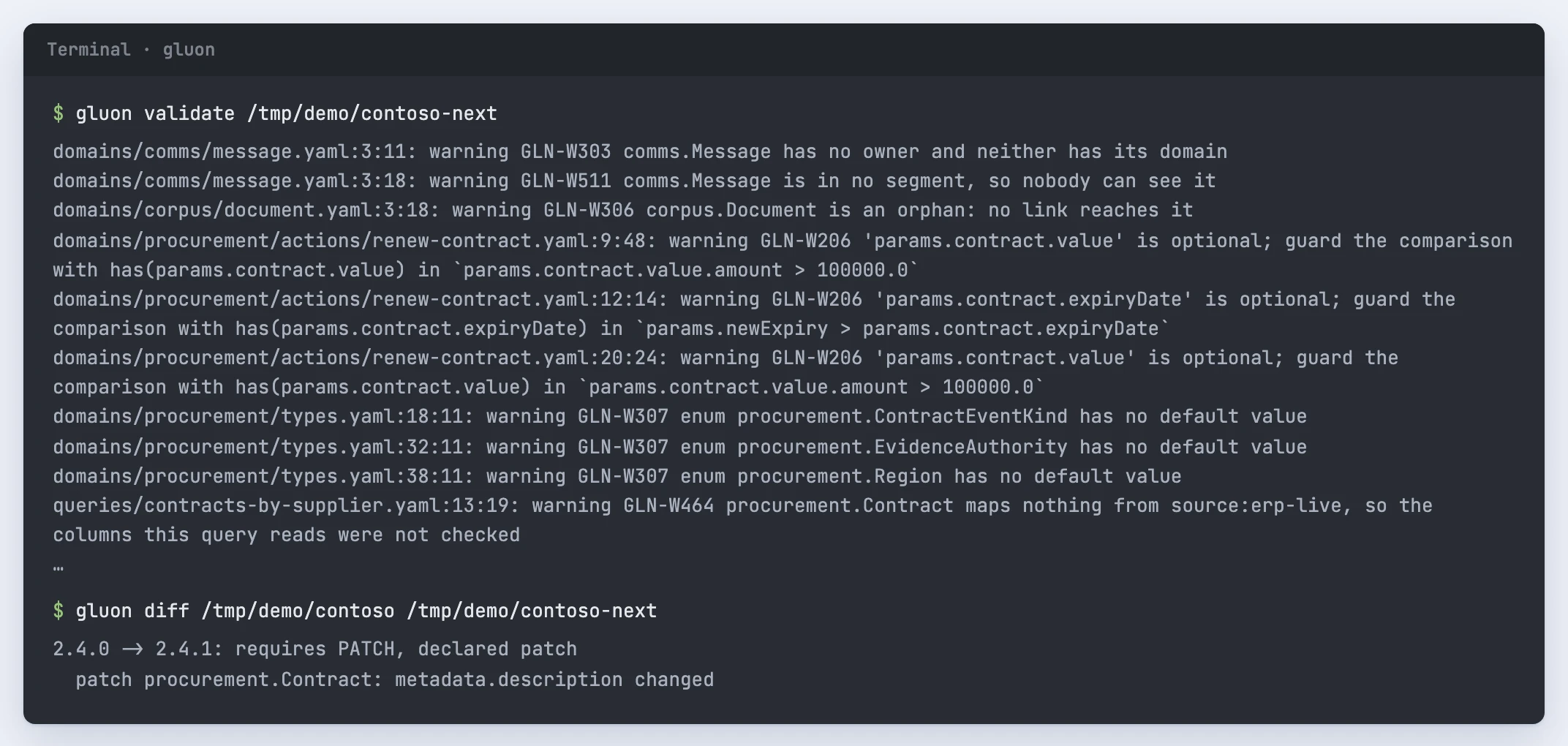
You copy the Contoso example, change one definition and check what the change does. Everything stays on your machine: nothing is published or deployed.
Prepare
Build the command in the repository with cargo build --release -p gluon-cli and put target/release on your PATH, so gluon runs it (the images install it as gluon). Copy the example to a scratch folder, for example cp -r examples/contoso /tmp/contoso. The steps below use that path.
Make one change
- Open
gluon.yamland thedomain.yamlfiles to see which domain owns which types. - Pick one ObjectType and edit its
description. Leave its name and references alone for now. - Validate the copy:
gluon validate /tmp/contoso. - Run the access, competency and invariant tests:
gluon test /tmp/contoso. - Compare it with the original:
gluon diff examples/contoso /tmp/contoso. A description change is cosmetic, so the diff asks for a patch bump. - Compile it:
gluon compile /tmp/contoso -o /tmp/contoso-ontology.json.
Go one step further
Add a property with a base type or a ValueType, a description and, when its data comes from a source, a mapping. Add a Test case for a reader who may see the property and one who may not. When validation reports an error, look its code up in the diagnostics. The conventions block in gluon.yaml can make a rule stricter. Security errors stay errors whatever it says.
Share the change
Open a proposal in the designer for a shared environment. gluon source import replaces main and closes the open draft, so keep it for operators setting up an environment. Review, merge, publish and deploy are separate steps after that.