Gluon keeps one model of your business, the ontology: the things you work with (a Contract, a Supplier, an Issue), how they link, what people may do with them and who may see what. Three apps work on that one model. Each asks the same policy decision point before it shows you anything, so two people who ask the same question get the answer their own access allows, whichever app they use.
Pick the app for the job
| You want to | Open | Start at |
|---|---|---|
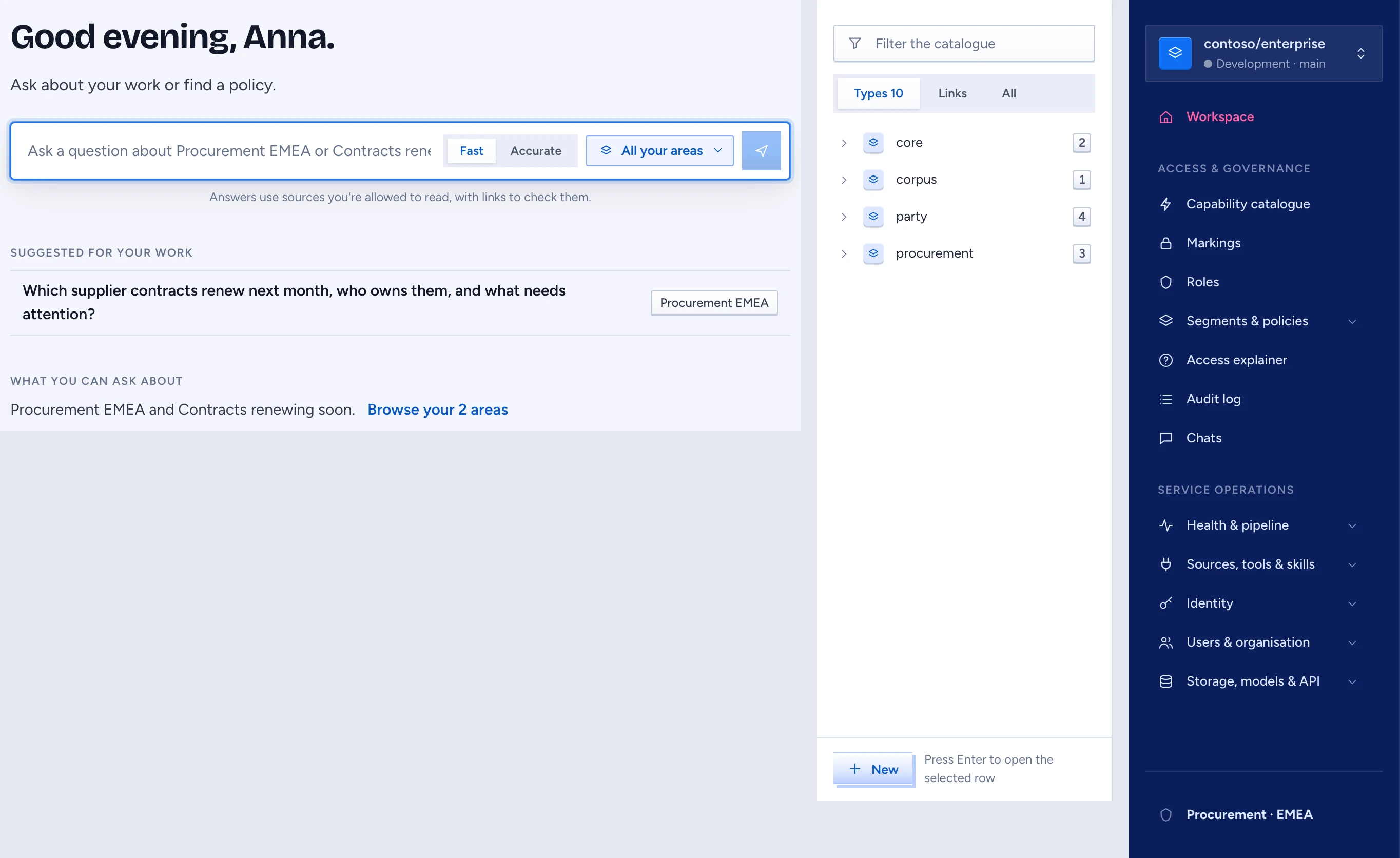
| Ask a question about contracts, suppliers or anything else deployed to you | Chat | Pick a Scope, type the question, read the cited answer |
| Look at the model, change it or review a change | Designer | The catalogue on the left and the graph beside it |
| Run the platform: people, identity, access, capabilities and health | Admin console | Workspace, then Access & governance or Service operations in the navigation |
Most employees only ever open Chat. The designer's navigation holds Home, Ontology designer, Review inbox, Proposals, Versions and Segments & policies. Home first shows what the ontology holds: Ontology (what exists, the types), Topology (how it connects, the links) and Epistemology (how we know it, with a way into the golden set). Below that it shows the four steps a change takes to reach people (design, propose, publish, deploy), where each stands, and a button into each. Segments & policies opens in the admin console. The console opens on Workspace and groups its pages under Access & governance (Capability catalogue, Markings, Roles, Segments & policies, Access explainer, Audit log) and Service operations (Health & pipeline, Identity, Users & organisation, Storage, models & API).
Words the rest of this manual uses
- Domain: a group of related types, such as procurement or party.
- Object, Link, Action: a kind of thing in the business (Contract), a relationship between two of them (Contract to Supplier), and something a person or an agent may do to one (RenewContract).
- Proposal: a set of changes to the model. Your edits in the designer land in the proposal called draft, and nobody is served them until the proposal is merged, published as a version and deployed.
- Version and deployment: a published, numbered state of the model, and the rule that serves it to groups, departments or teams.
- Segment: the part of the model an audience may see. A type outside your segments does not exist for you: search, chat and the designer all leave it out.
- Capability: one intended use of the model, such as the Contract renewal desk. When you ask through a Capability, it limits what the answer may draw on, even if you hold broader access.
Check where you are first
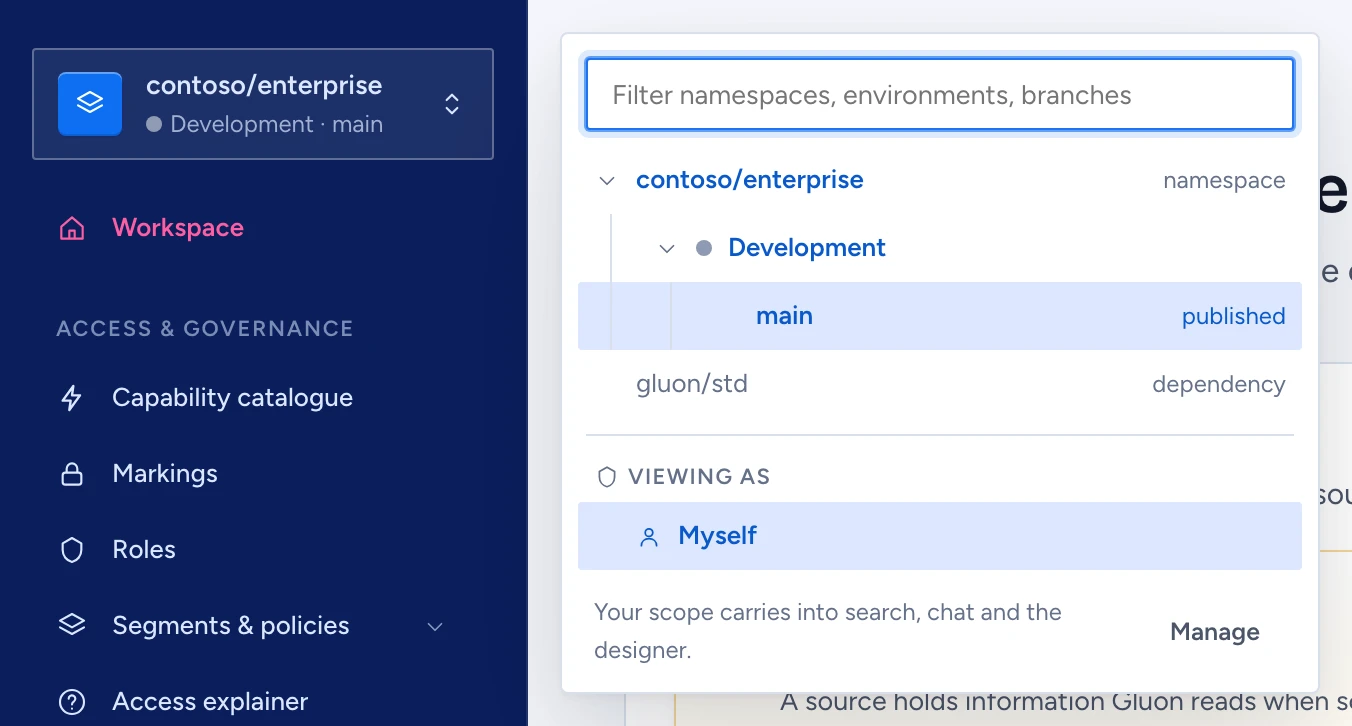
The box at the top of the navigation in every app shows your workspace: the namespace (contoso/enterprise), the environment (Development, Production) and the branch (main or a proposal). The same Contract can differ between main and a proposal, and another namespace holds a different model altogether. Look at the box before you edit or ask, and see Switch workspaces and environments to change it.
If you are installing Gluon, start with Set up a tenant and load the sample.