The designer validates the draft proposal after every save and lists what it finds in the Problems panel under the graph. The panel opens by itself when there are errors and stays open until you close it, also after you fix the last one. With only warnings it stays closed; Problems in the toolbar opens it. A proposal with errors can't be merged. Warnings are advice, unless the package's conventions raise them to errors.
Read the health strip
The strip starts with Ontology health, a score where 100 is clean. Beside it sits one cell per validation pass (Schema, References, Types, Sources, Security and Compatibility), each counting its errors and warnings. The Errors and Warnings buttons below filter the list, which shows the most severe problem first.
Go from a problem to its fix
- Click a problem row. The designer selects the element and opens the field that caused it; in the YAML pane the cursor moves to the line.
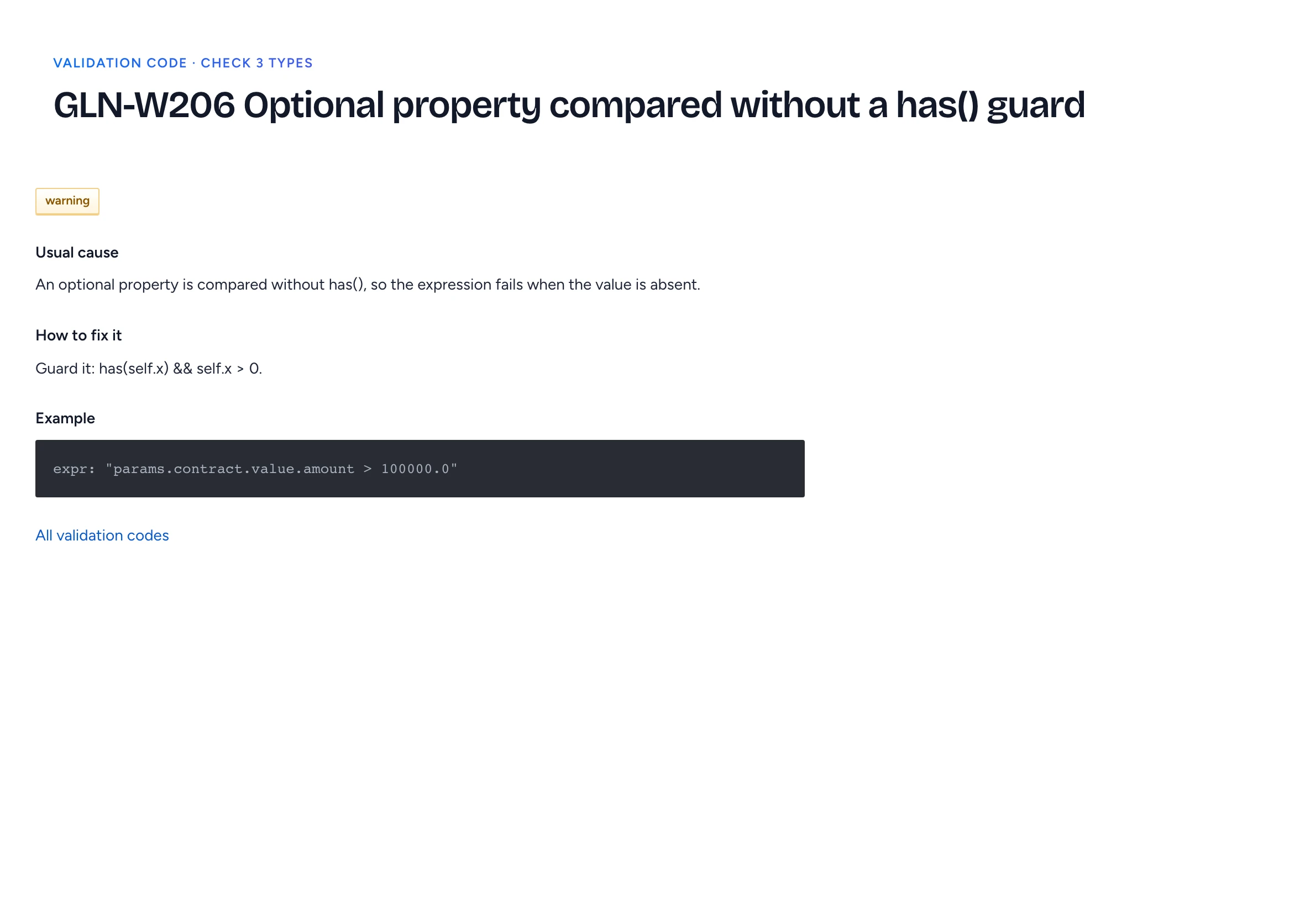
- Click the code badge, such as GLN-W206, to open its page: the pass, the severity, Usual cause, How to fix it and an Example. All validation codes lists every code the validator reports.
- When the row offers Quick fix, read the replacement it shows, then click Apply fix. The fix is an ordinary edit in the proposal: one undo step, reviewed like any other change.
- Click Validate in the toolbar to check again against the server.
The badge on a pill, or the problem count in the inspector, filters the list to that element. Show all brings the rest back.
Raise or lower a code
Package.spec.conventions sets a severity per code. The contoso sample raises GLN-W301, a type without a description, to an error. Lowering has limits: errors from parsing, the schema and references, and the security errors such as GLN-E541 for unmasked personal data, stay errors. A package that tries gets GLN-E015, and the code's page marks it "conventions cannot lower it".
Lowering a code only changes the report. The policy decision point still enforces markings, segments, masking and approvals at runtime.
Run the package's tests
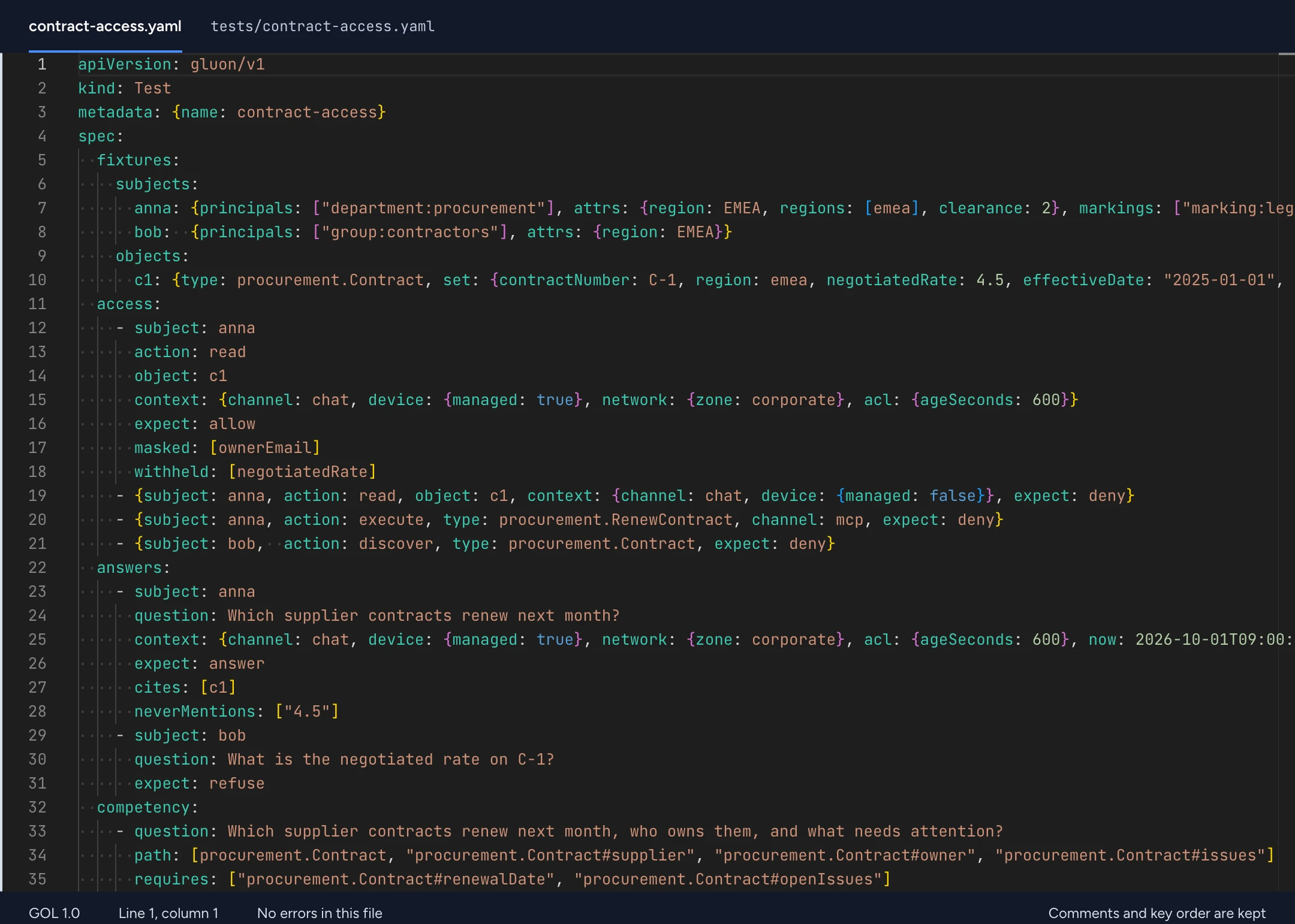
The last validation pass runs the package's Test resources: access cases through the policy decision point, competency questions against the model, and invariants. A failing case shows up as GLN-E701, GLN-E702 or GLN-E703. On the command line, gluon test runs the same checks.
Pin an access decision as a test
When a change could widen or narrow who sees what, check it before you propose it.
- In the admin console, open Access explainer.
- Fill in Who, Action, What and Channel, tick Decide with the draft proposal, before it is proposed, then click Explain.
- Click Save as a Test and type a Test name in lower case words joined by hyphens.
The decision lands in the proposal as tests/<name>.yaml. The person becomes an anonymous fixture: their groups, attributes and markings, never their name. The case records the channel, the expected verdict and, for an allow, the fields that were masked or withheld. Saving needs an ontology-wide edit role, and a test name that already exists is refused.