The People screen lists everyone the directory reconciled, plus break-glass accounts and service accounts. Each person opens in a drawer that explains their access line by line, and every change you make there applies on their next request.
Find a person and read their access
- Open Users & organisation > People.
- Search by name, UPN or email, and filter on Status (All, Active or Suspended) when the list is long.
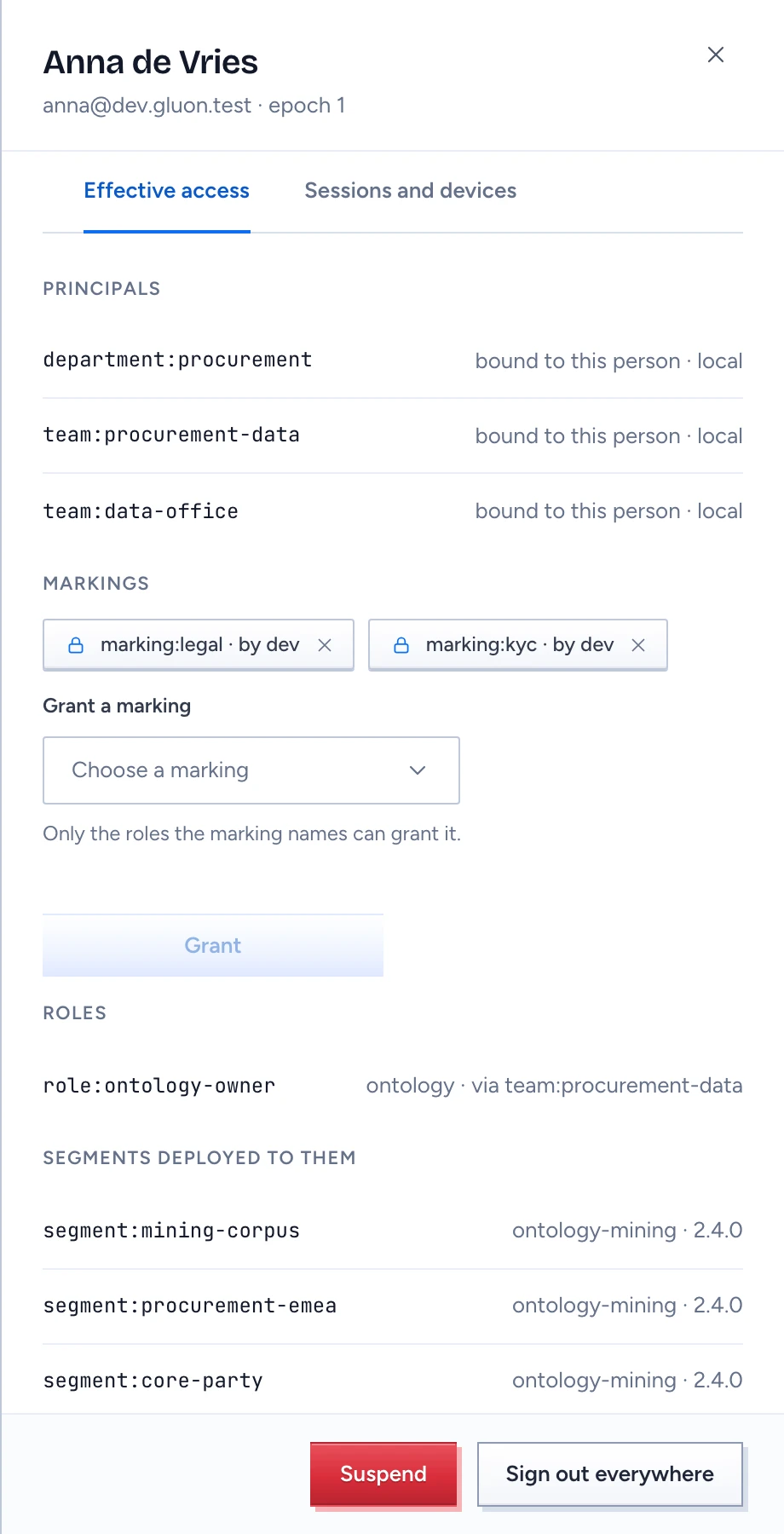
- Click the person. The drawer opens on Effective access.
The tab reads top to bottom:
- Principals: each logical principal they hold and how, bound to them directly or through a group, with the group's source.
- Markings: each marking and who granted it.
- Roles: each role with its scope and the principal it arrives through, for example
role:ontology-owner · via team:procurement-data. - Segments deployed to them: each segment with the deployment and version that serves it. Someone with no segment sees nothing in chat.
- Account expiry.
When the directory has made no progress for 15 minutes, the drawer warns that new grants are blocked until reconciliation catches up. Existing access holds until the 24-hour mark, when every permission from the directory fails closed.
Set an expiry for a contractor
- Under Account expiry, pick the date in Locks on.
- Click Save expiry.
The account locks on that date without any directory event; Gluon checks for expired accounts every five minutes. Gluon owns this date, so a directory sync leaves it alone. Clear the date and save to remove the expiry.
End one session or all of them
Open the Sessions and devices tab. Sessions lists each live session with its sign-in method, device and end time; a web session lasts at most 12 hours. Click End session to end one. MCP clients acting for them lists the MCP grants the person gave. People reach the API through their own sign-in, so API keys only appear on service accounts.
Sign out everywhere, at the foot of the drawer, ends every session, access token, API token and MCP grant at once without suspending anyone. The person can sign in again straight away. Use it for a lost laptop.
Suspend someone who leaves
- Click Suspend at the foot of the drawer.
- Confirm in the Suspend dialog.
Suspension bumps their authorisation epoch, ends every session, token and MCP grant, and stops answers already streaming within seconds. Their next request is refused. A later directory event cannot bring them back: only Reactivate in this drawer does, and their old sessions stay ended.
When the directory itself disabled the person, Reactivate is refused. Enable them in the directory first.
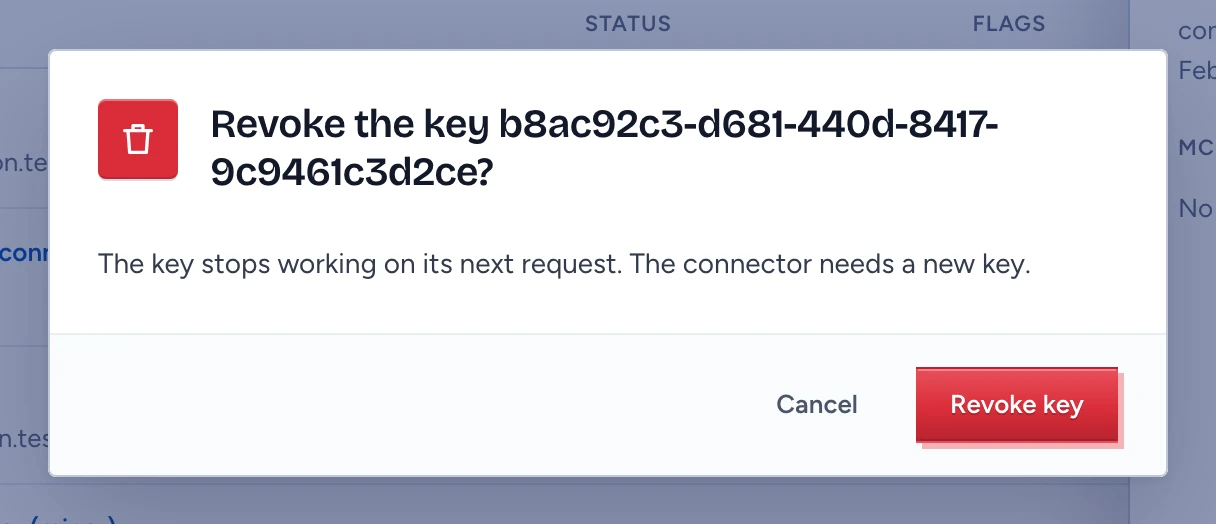
Service accounts and their API keys are covered in Manage service accounts, tokens and keys.