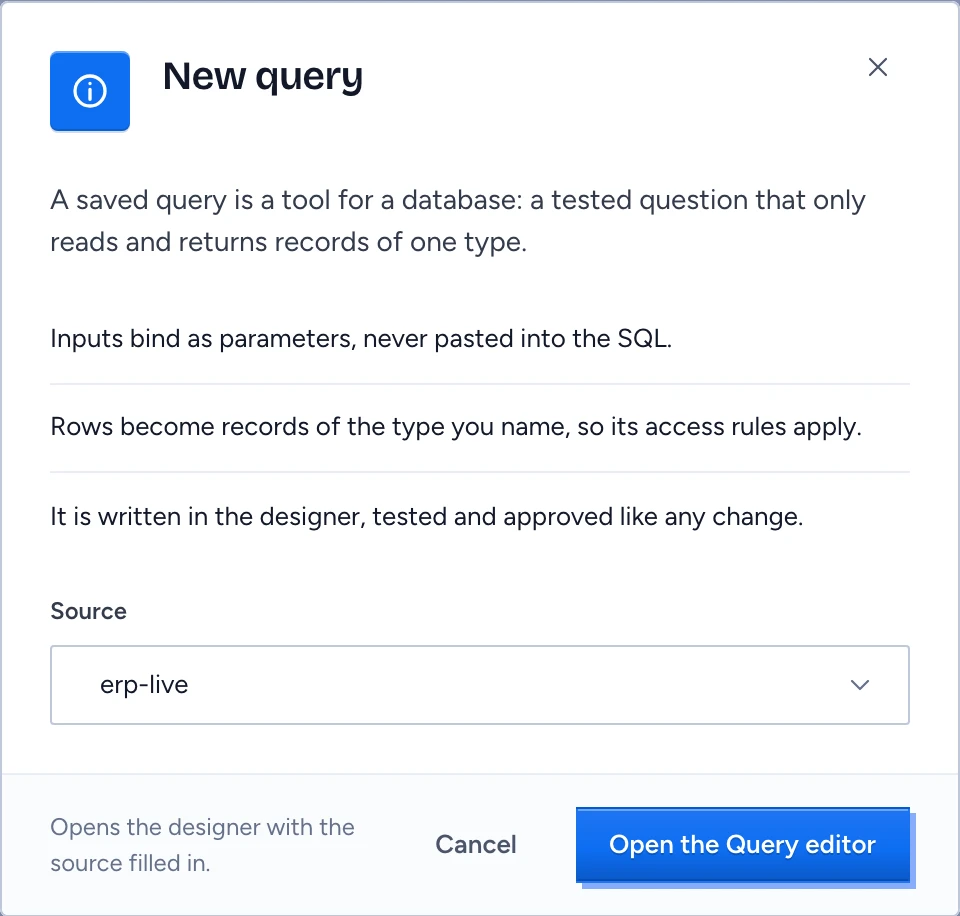
A saved query (a Query) is a tool for a database: a tested question that only reads and returns records of one type, such as the open receivables of one customer. It is written in the designer, proposed, tested and approved like any change, and once deployed Gluon may call it like any other tool. A source holds information. A tool reads or changes it. A saved query is a tool for a database. A skill gives instructions for a kind of question. A tool pack lists the tools a capability may call.
Why a Query and not free SQL
In the cloud the planner reaches a database only through Queries. A Query's rows become objects of the type it names, so that type's access rules apply to every row: row policies, masks and fields that are never exposed. Inputs bind as parameters and are never pasted into the SQL. Free SQL runs only as an administrator's Try and on the desktop.
Start a Query
- Open Sources, tools & skills > Tools and click New query.
- Choose the Source: a connected database.
- Click Open the Query editor. The designer creates a saved query draft named after the source, such as
erp-query, withsource:filled in, and opens its editor. Back to Sources in the message that follows returns you to the source.
In the designer, write the inputs, the SQL, the type the rows return, the freshness (live, or how long a result may be kept in memory) and its tests. A Query that reads a column the type does not map fails validation. SQL that writes is refused when you save, with the guard's reason, and nothing is saved: a DELETE, or a WITH whose inner statement deletes or updates. An input of type: uuid is checked to be a UUID and sent to the database as text, so where the column is uuid write the cast in the SQL (SUPPLIER_ID = :supplierId::uuid); a column that keeps UUIDs as text needs no cast. Changing a Query's SQL or the type it returns is a widening that the security officer approves.
After the proposal is approved and deployed, the Query shows on Tools with the effect read, by construction, and a tool pack can name it. See Review, try and enable tools.